
ข้ามไปยังข้อมูลสินค้า

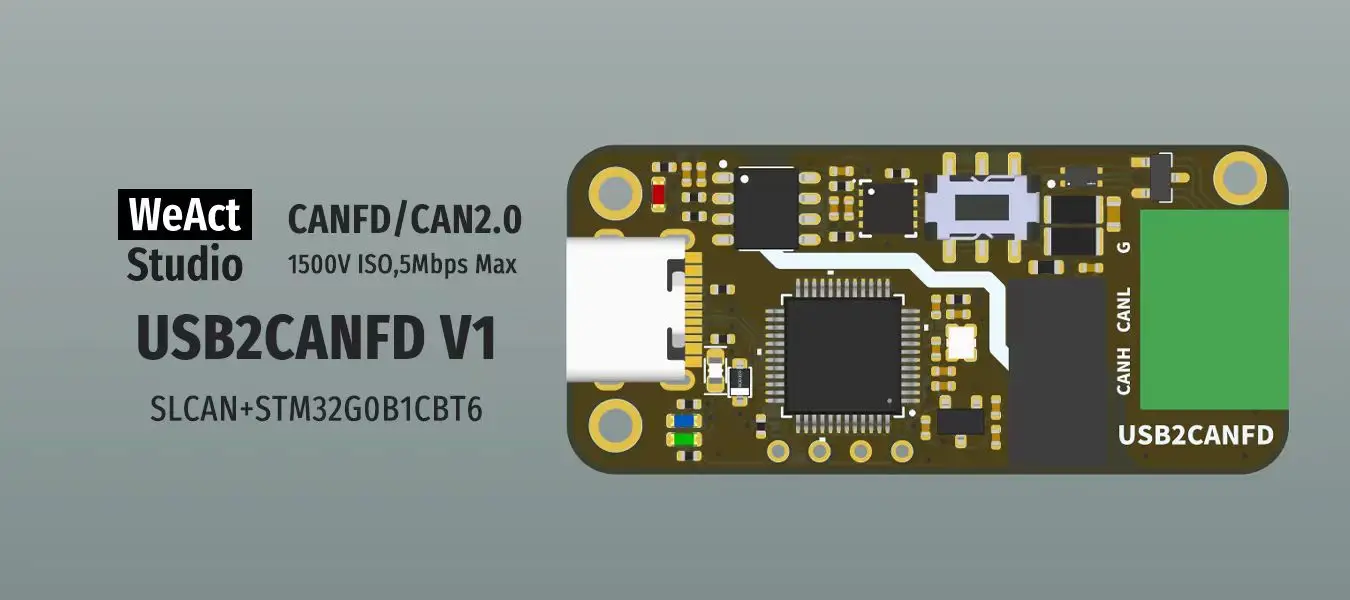


WeAct Studio USB To CAN V1
SLCAN Protocol Description
Using the virtual serial, the command is as follows:
O[CR] - Opens the CAN channel
C[CR] - Close the CAN channel
S0[CR] - Set the nominal bit rate to 10k
S1[CR] - Set the nominal bit rate to 20k
S2[CR] - Set the nominal bit rate to 50k
S3[CR] - Set the nominal bit rate to 100k
S4[CR] - Set the nominal bit rate to 125k (default)
S5[CR] - Set the nominal bit rate to 250k
S6[CR] - Set the nominal bit rate to 500k
S7[CR] - Set the nominal bit rate to 750k
S8[CR] - Set the nominal bit rate to 1M
S9[CR] - Set the nominal bit rate to 83.3k
..................................................................
DataLink
https://github.com/WeActStudio/WeActStudio.USB2CANFDV1