


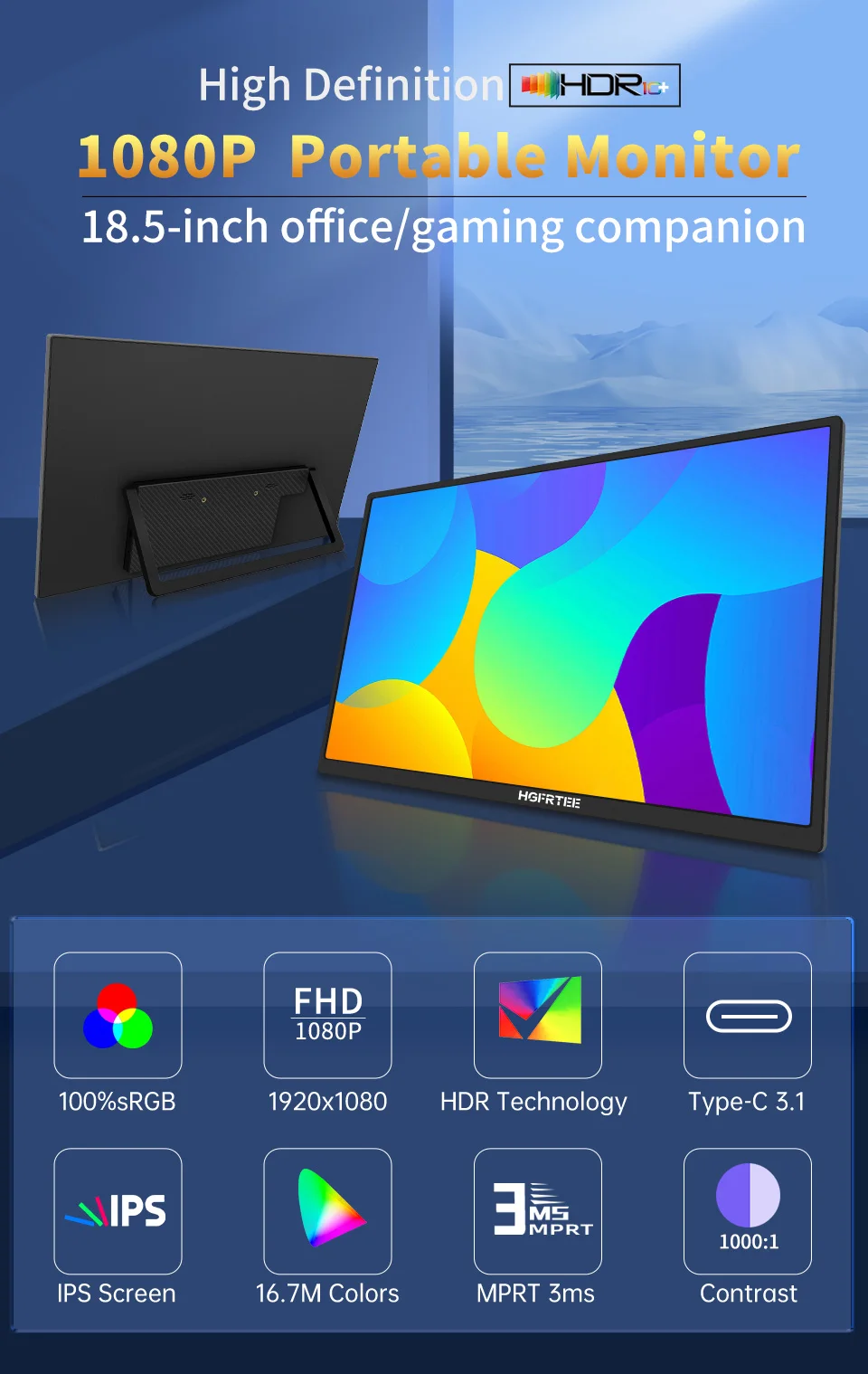
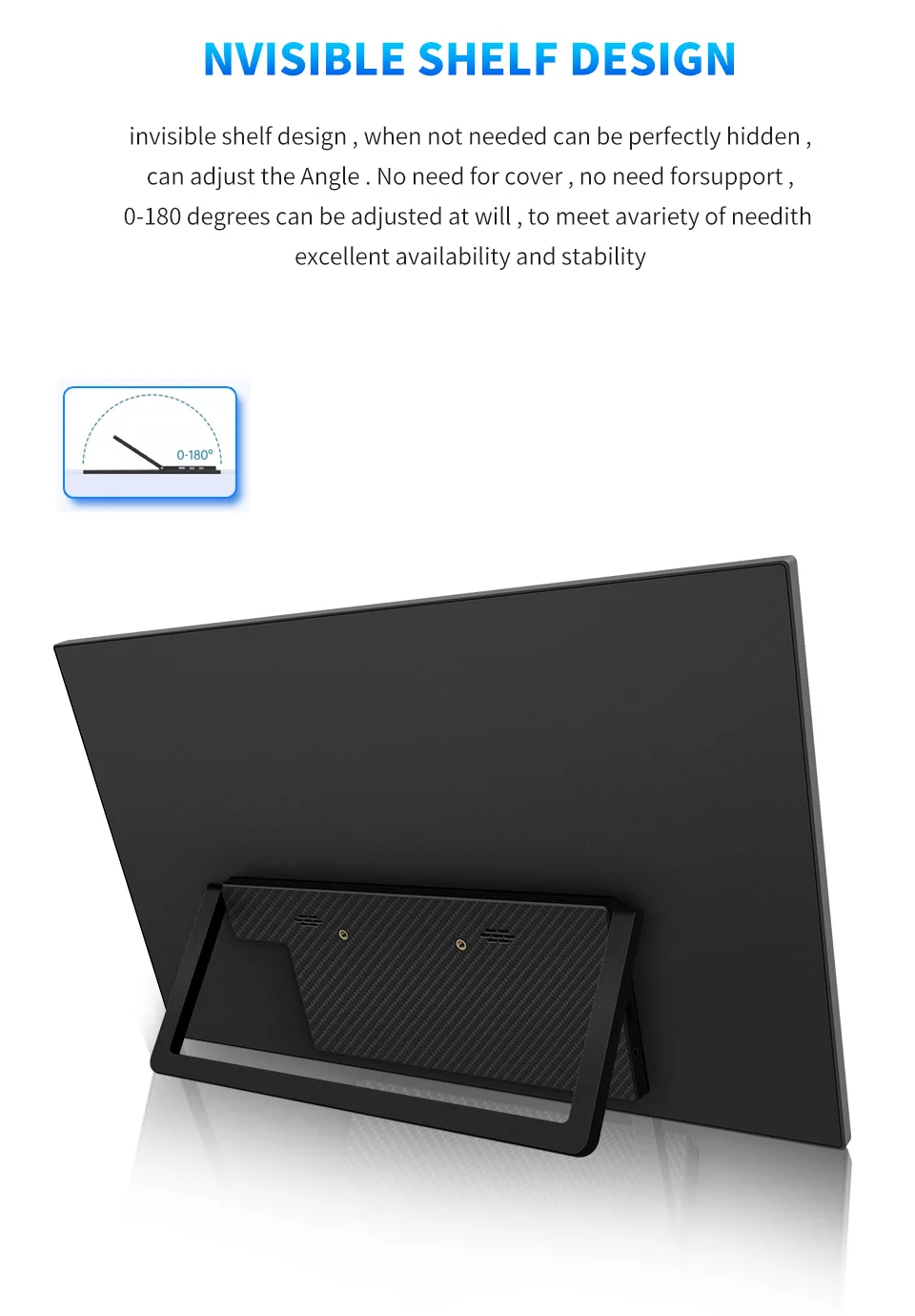
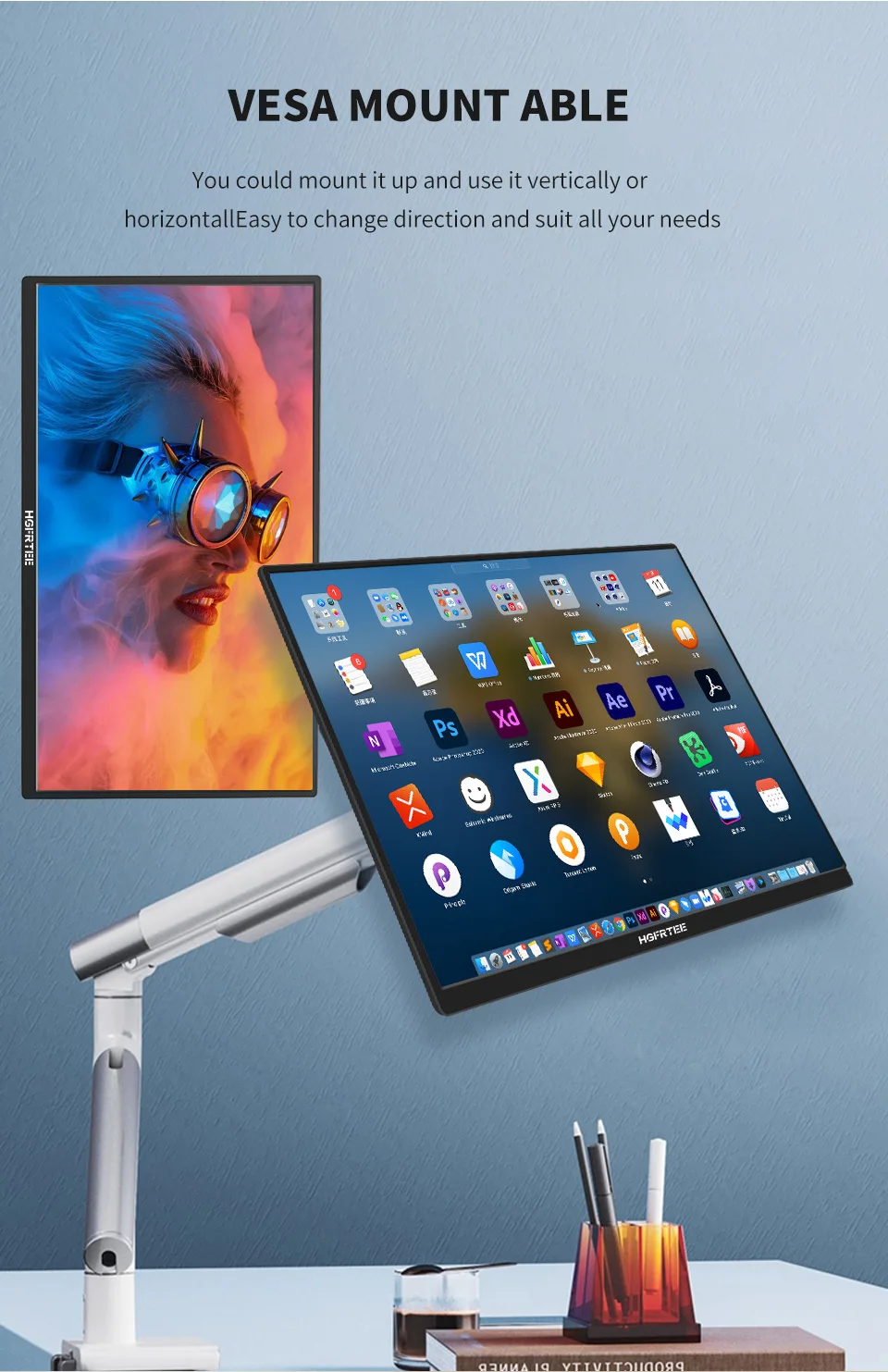
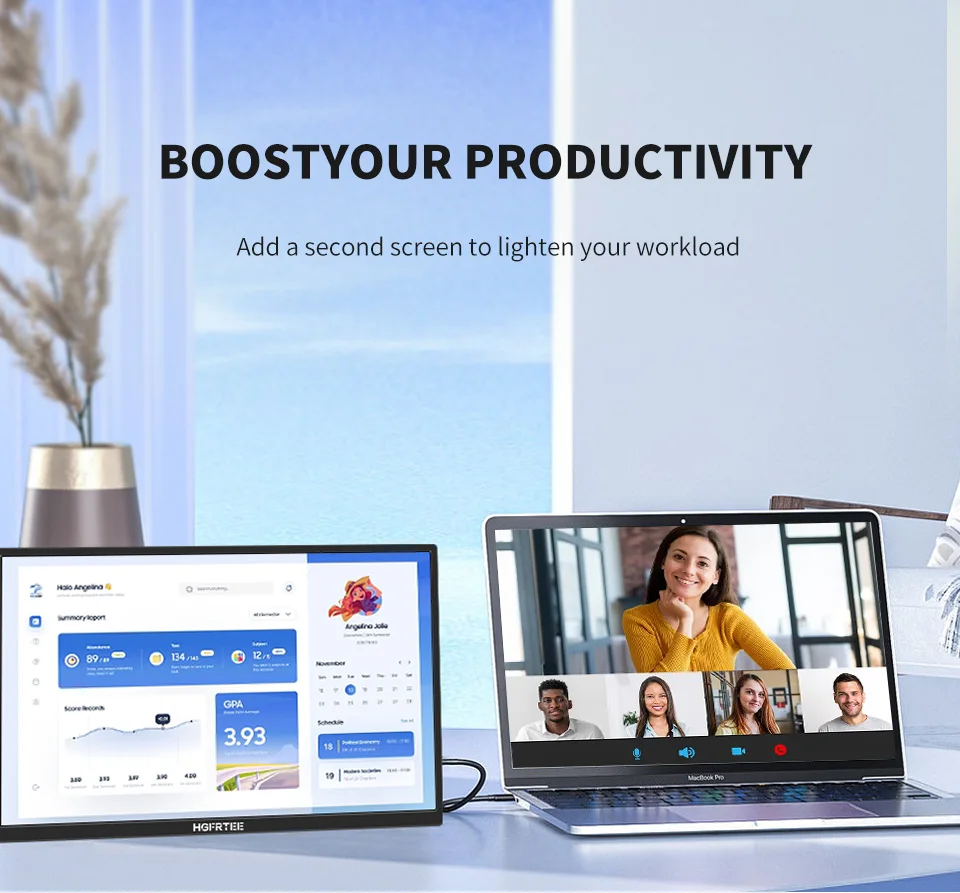
• Portable and Versatile :The HGFRTEE 18.5inch Portable Monitor is a versatile device, perfect for laptop use with its VESA hole and stand feature. Its compact size of 18.5 inches makes it easy to carry around, enhancing your mobility.
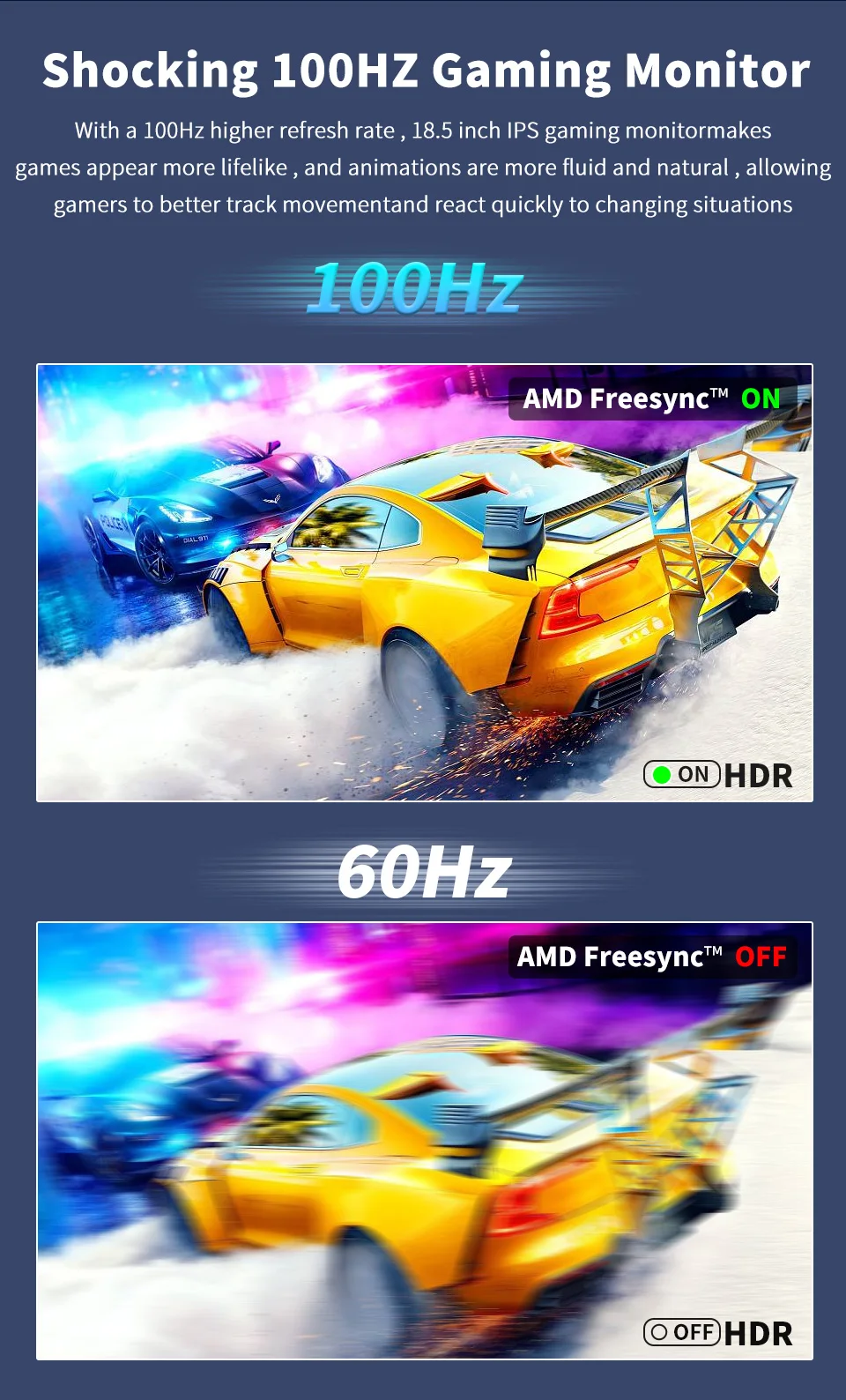
• High Resolution Display :Experience superior visuals on the monitor's high-resolution display of 1920 x 1080, with a brightness of 300cd/m that ensures clear and vibrant colors. The 100Hz refresh rate delivers smooth and seamless visuals.
• Advanced Technology :Equipped with Adaptive Sync technology, this monitor ensures a seamless visual experience by synchronizing the refresh rate with the source device's frame rate.
• Comprehensive Features :From its Matt screen surface to the HDR10 feature, this monitor offers an immersive viewing experience. Its vertical viewing angle of 178° and horizontal viewing angle of 178° provide a wide field of view.
• Ideal for Laptops :Designed specifically for laptop use, this monitor is an ideal companion for your device, enhancing your workflow and productivity.
Description
Features:
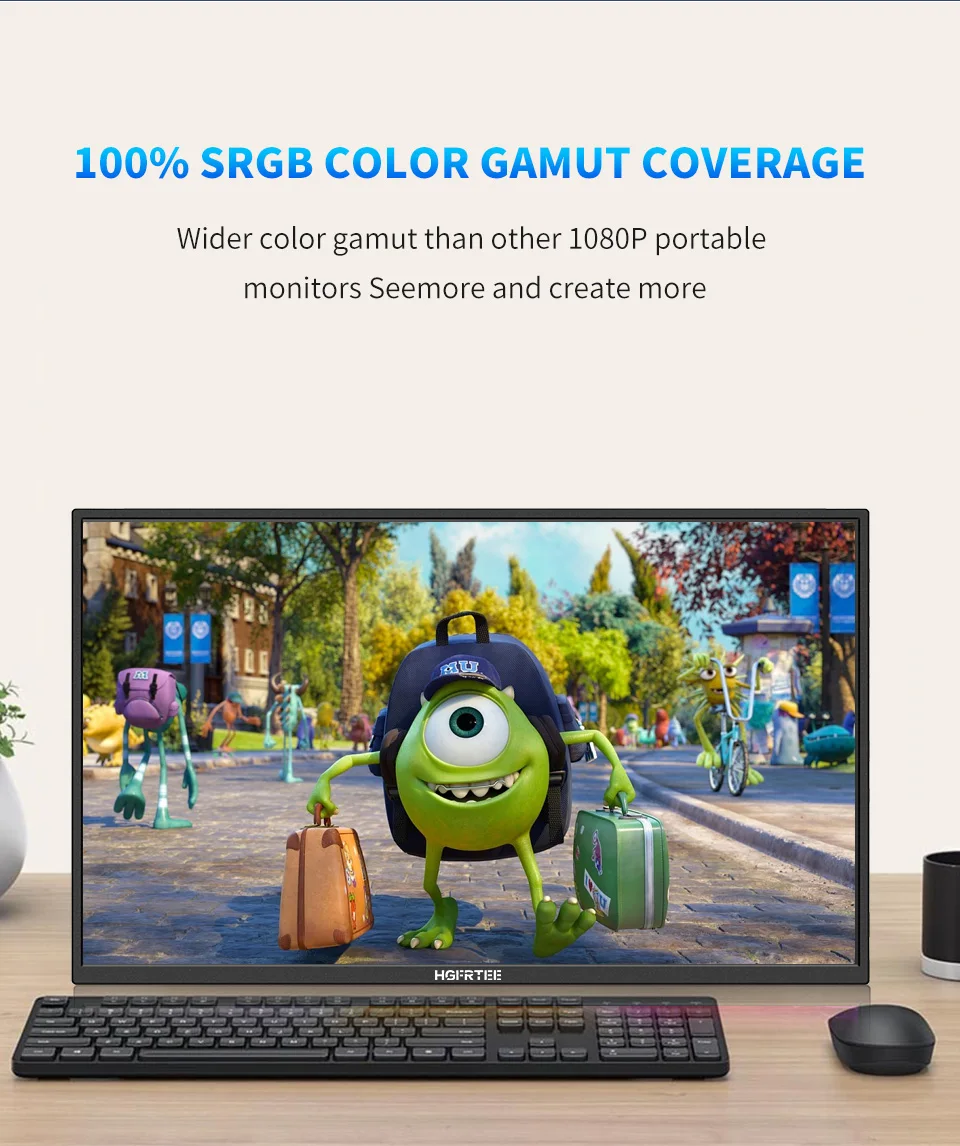
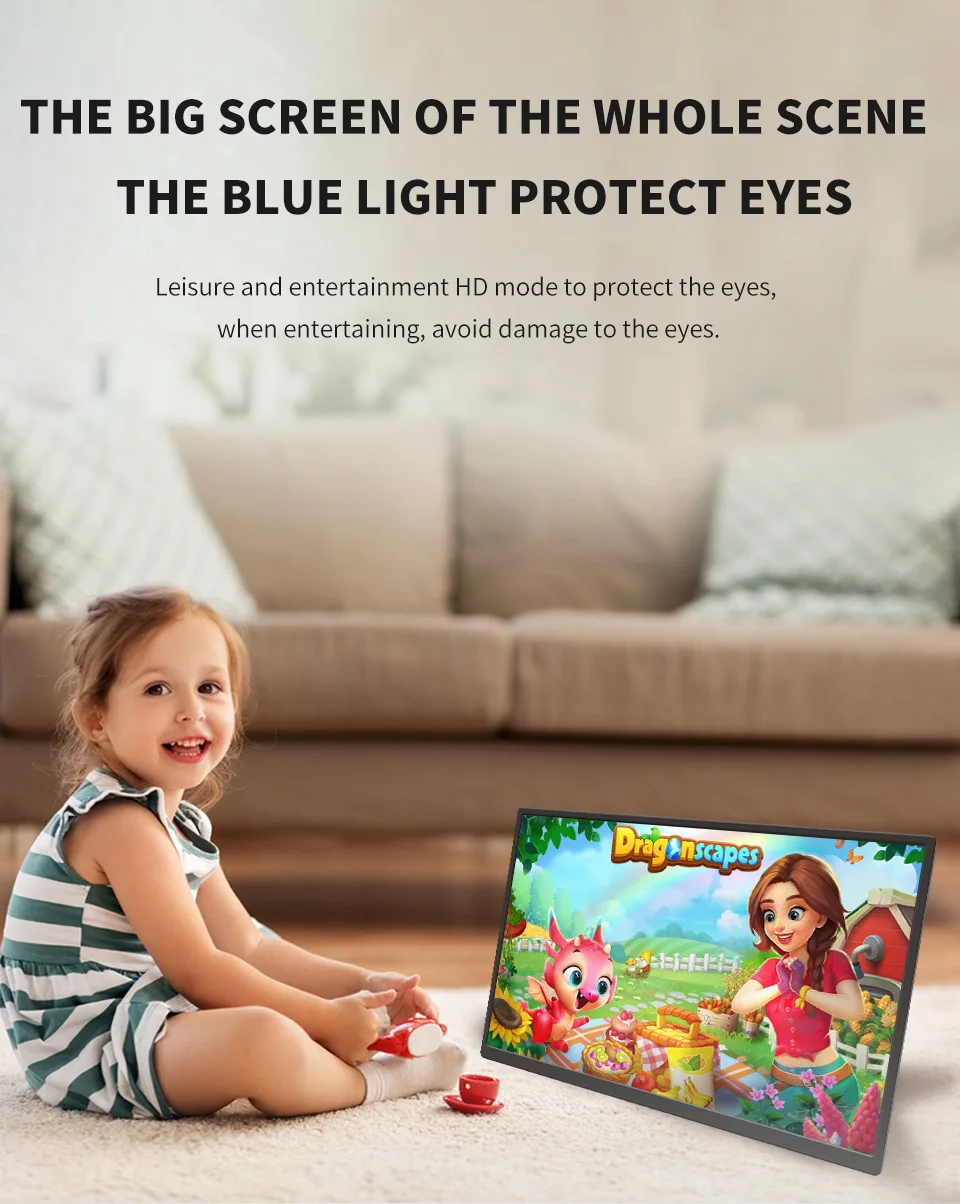
100%sRGB and HDR technology, brings the ultimate visual experience, displays richer pictures and more complete colors.
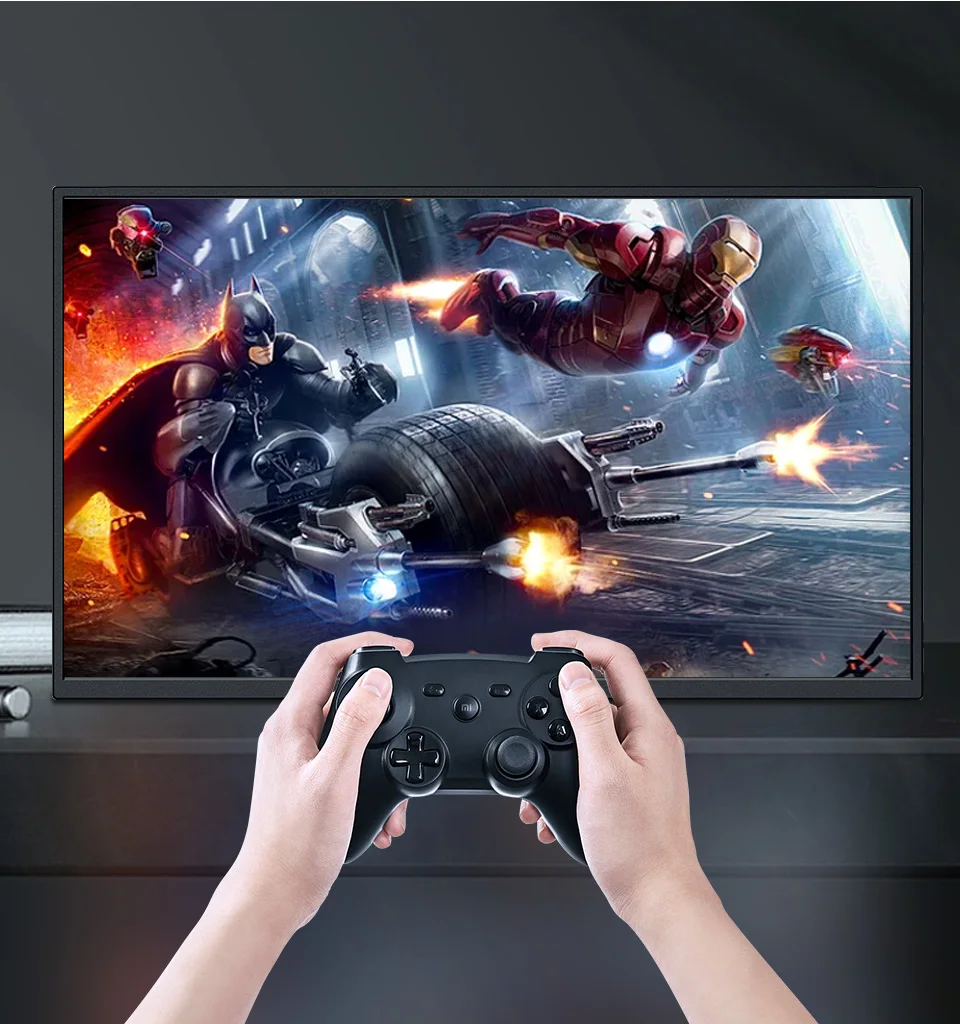
The 100Hz refresh rate,3ms Response Time and FreeSync technology provides ultra-high fluency perfectly and quickly, and there will be no stuttering and flickering when playing games,watching videos and working.
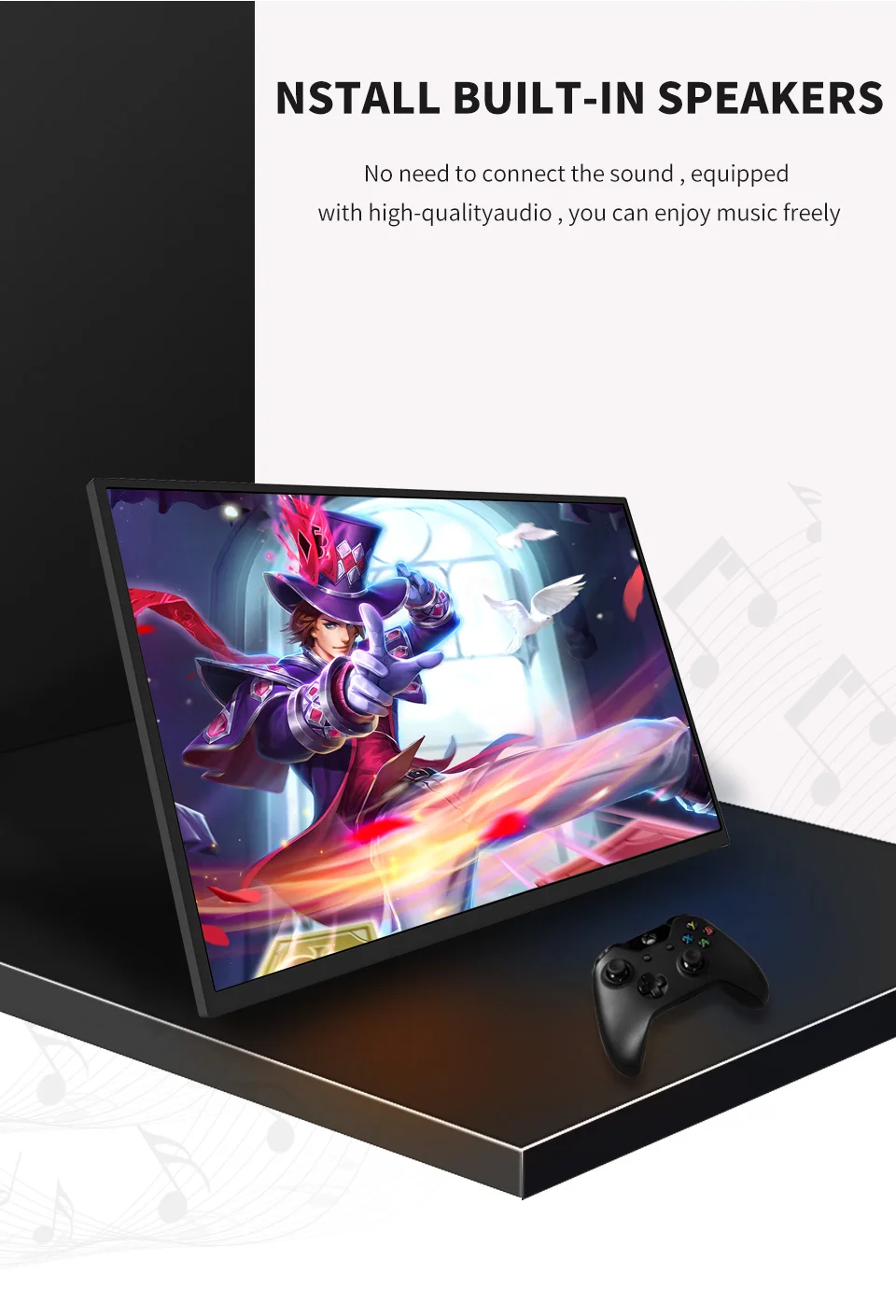
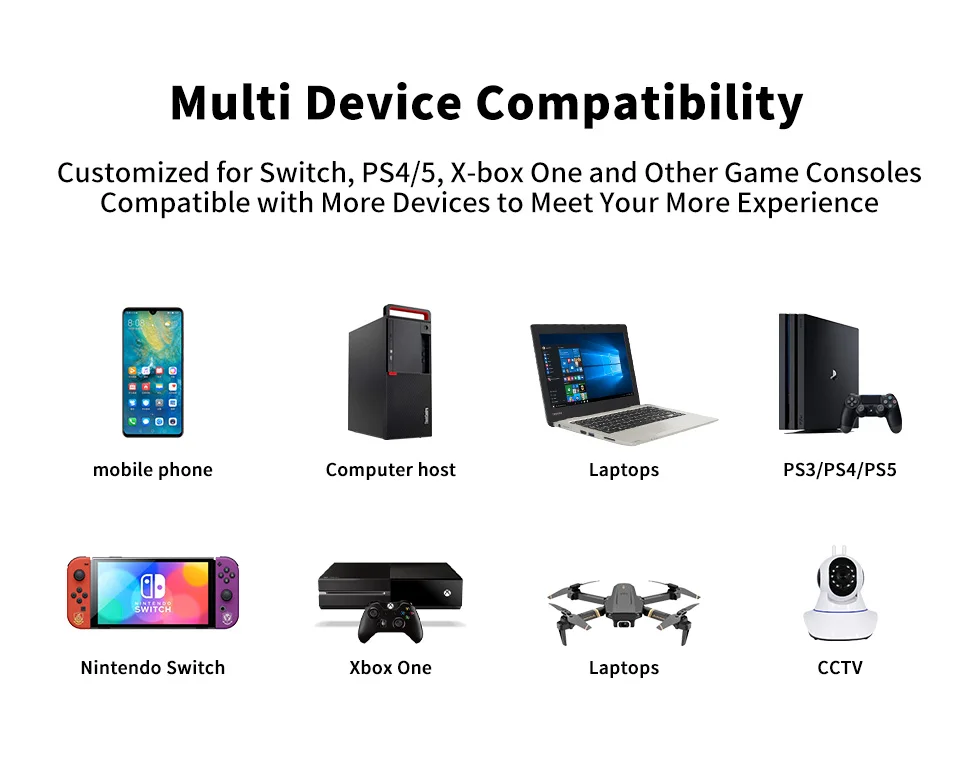
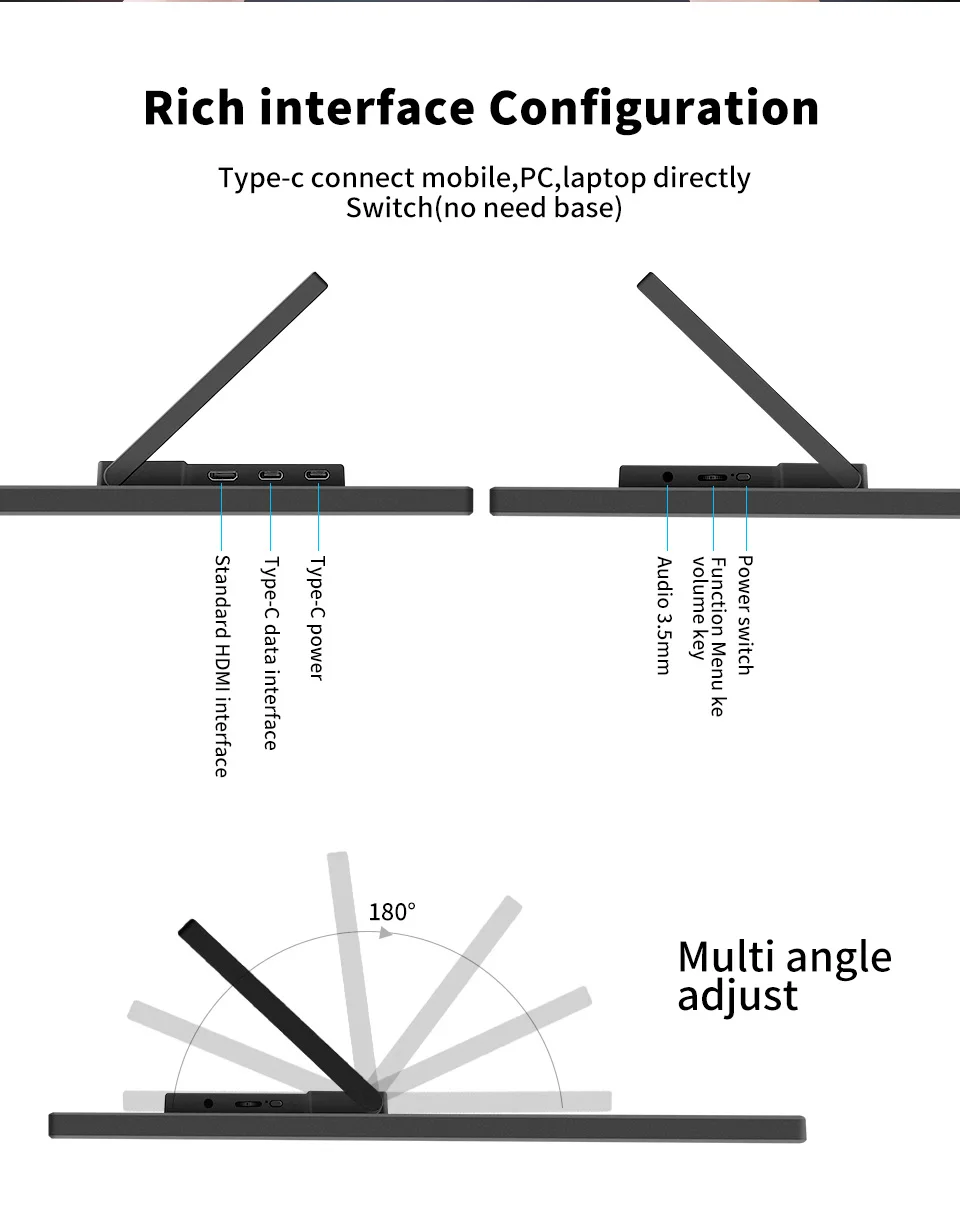
With a Mini HDMI port, 3.5mm headphone jack, and 2 full-featured USB-C port, the monitor is compatible with most devices, such as PC, Laptop, Mac, Surface, Phone, PS4, PS5, Xbox, NTD Switch, Raspberry Pi, Camera or other laptop/PC, phones, and tablets.
Specifications |
Band |
HGFRTEE |
Screen size |
18.5 inch |
|
Panel type |
ADS-IPS |
|
Resolution |
1920*1080P |
|
Aspect ratio |
16:09 |
|
Color Gamut |
72% NTSC,SRGB100% |
|
Displays Colours |
16.7M (6-bit) |
|
Brightness |
500cd/m2 |
|
RefreshRrate |
TYPE-C 3.1 1920*1080P@100hz/ HDMI 1.4 1920*1080P@100hz |
|
Contrast |
1000:1 |
|
Viewing angle |
178° |
|
Refresh rate |
100Hz |
|
Response time |
3ms |
|
HDR |
support |
|
Freesync |
Adaptive Sync (freesync) |
|
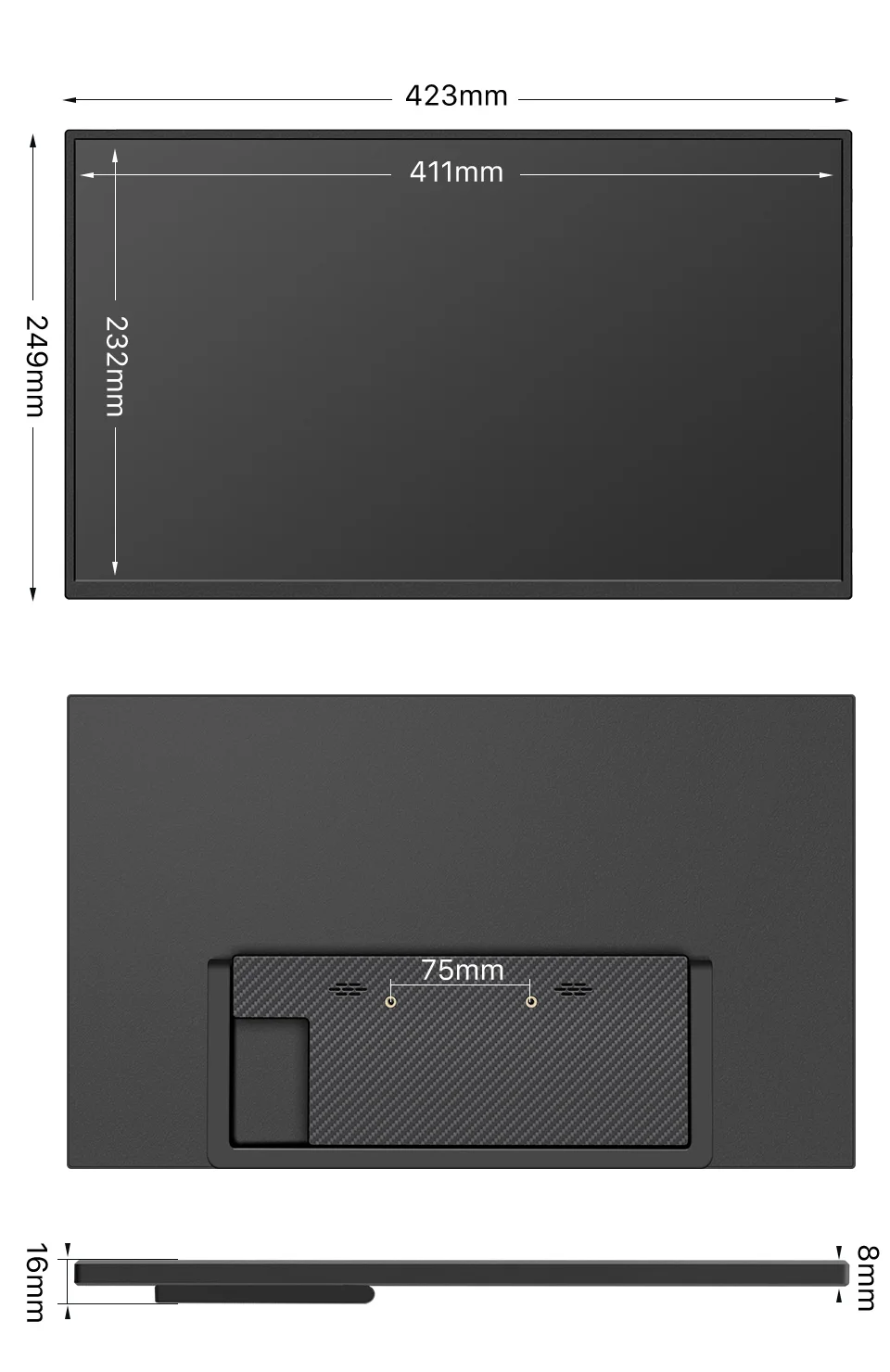
Appearance size |
423mm*249mm*8mm |
|
Weight |
1156g |
|
|
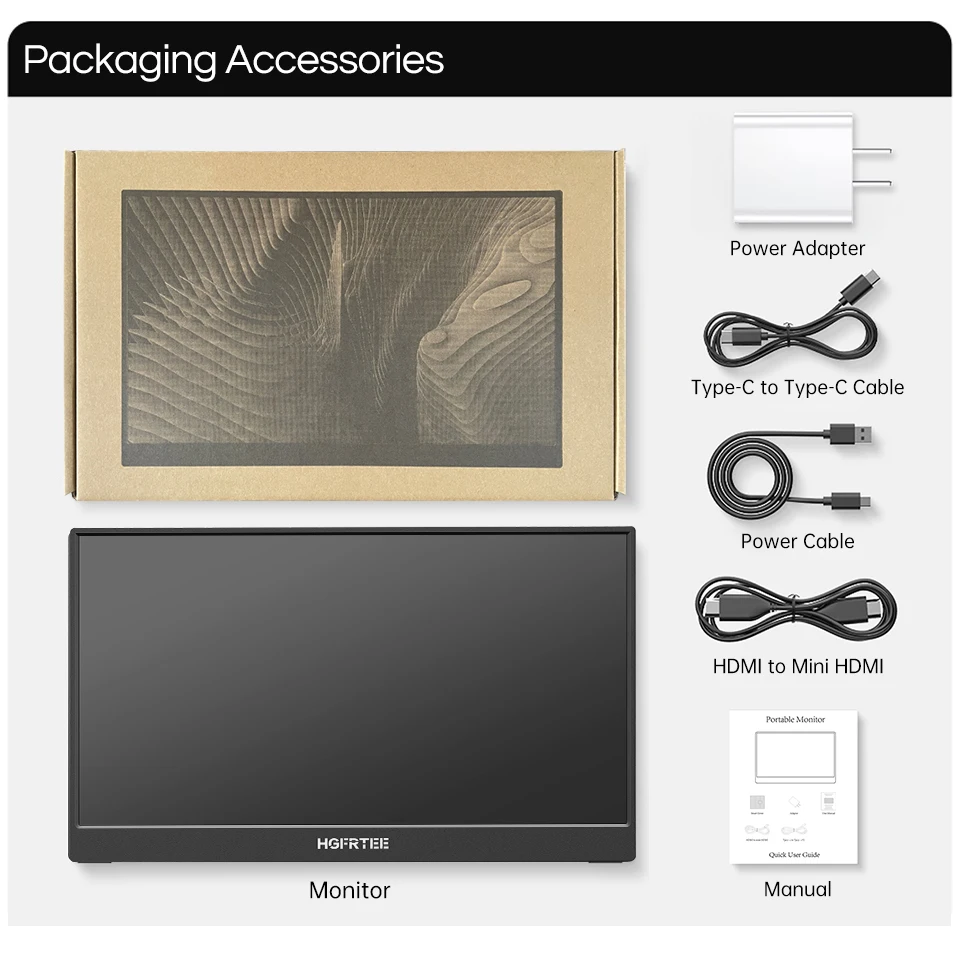
Monitor |
*1 |
HDMI cable |
*1 |
|
USB-C to USB-C Cable |
*1 |
|
Power cable |
*1 |
|
Manual |
*1 |



Q; Black screen or No signal?
A;1. Please use the original accessories we provide (cables and charger) Type C 3.0 Male to Type C cable does not support video signal transmission.
2. Please plug in the wall charger to Type-C port for power supply and wait for the screen displays“no signal", then plug in the USB-C cable to another Type-C port or HDMl cable to MiniHDMl port for video signal transmission.
3. For single Type-Cconnection for power and display, the Type-C port of some devices like HP Elitebook, Acer Aspire does not support video output and only supports charging. Please contact us to help you confirm if your device supports.
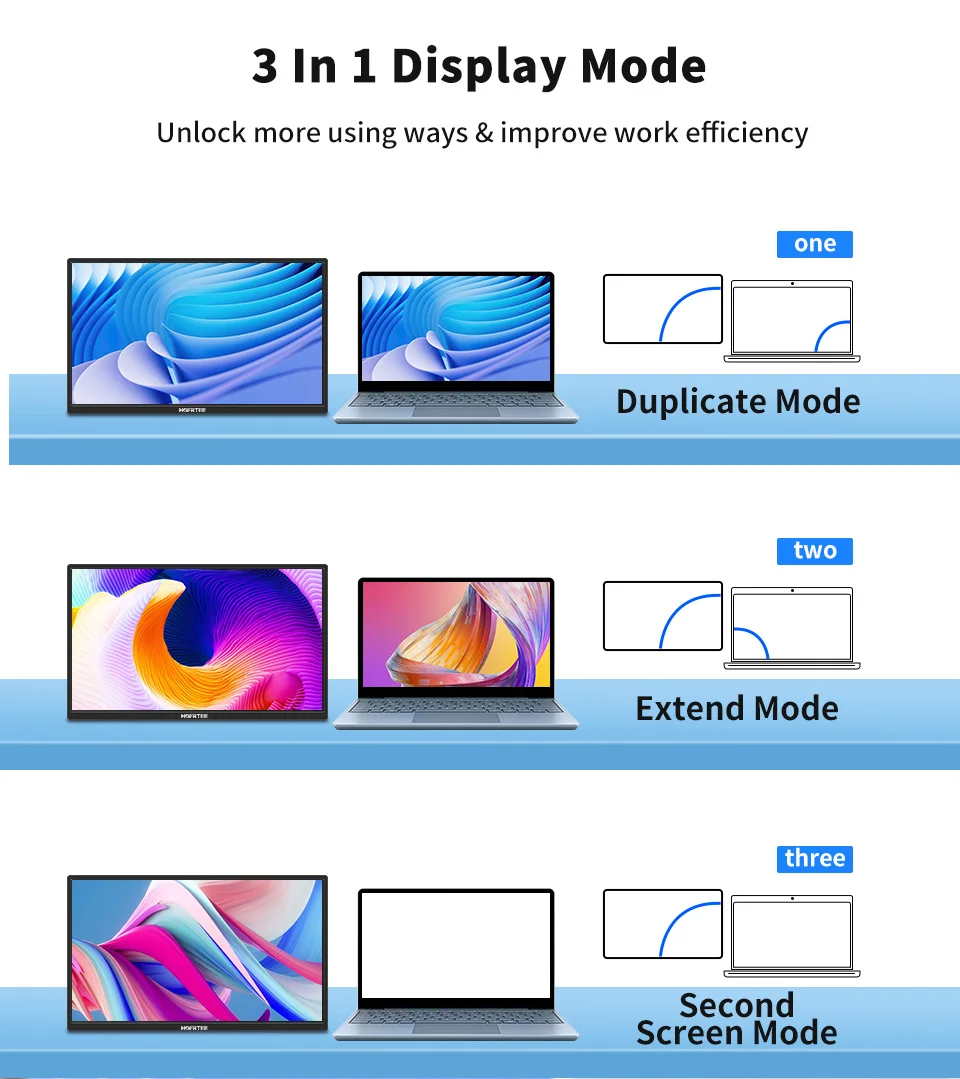
4. Please set the display mode to Extend in Windows.
5. Connect the monitor to other devices to check if the monitor can work well with other devices.
Q;How to connect this monitor to laptop without HDMI port like? A;Microsoft Surface Pro,Surface Book,HP EliteBook, etc.
A (mini) DP to HDMl adapter is required to connect the monitor to your device.
Q; Monitor keeps flashing/restarting?
A; 1. Flashing or continuously restarting is usually caused by not enough power supply.
If the monitor and your device are connected by single Type-C cable, some laptops and phones cannot provide enough power supply for this monitor. Please plug in wall charger to Type-C port of monitor for enough power supply.
Q; I use the Type C to Type C 3.0 Male cable to connect the monitor to my device, but it displays "no signal”?
A; Please confirm whether the type-c interface of my device is version 3.1.
Q; My Android Phone is equipped with Type-C port. But it does not work with this monitor?
A; Phones may not be able to provide enough power supply for the monitor, please plug in the wall charger to Type-C port, then connect phone to another Type-C port by Type-C cable.
2.The Type-C port of some phones does not support display and only supports charging. For example, the Type-C port of Google phones like Pixel does not support video output. An Android to HDTV cable is required to mirror the screen.
Q; Can the monitor work with Apple iPhone?
A; Yes. A Lightning to HDMl adapter is required for iPhone to work with the monitor.
Q; Can this monitor work with iPad?
A; Yes. If the port of iPad is Type-C port, the monitor will work well with iPad by single Type-C cable But for iPad with lightning a lightning to HDMI adapter is required to work with the monitor.
Q; How to save the setting of brightness?
A; The monitor will automatically save all settings when using Type-C
connection or HDMI connection for display. As for singleType-Cconnec- tion for power and display, if the device cannot provide enough power supply for this monitor, then the monitor will reset the brightness to 30 automatically.