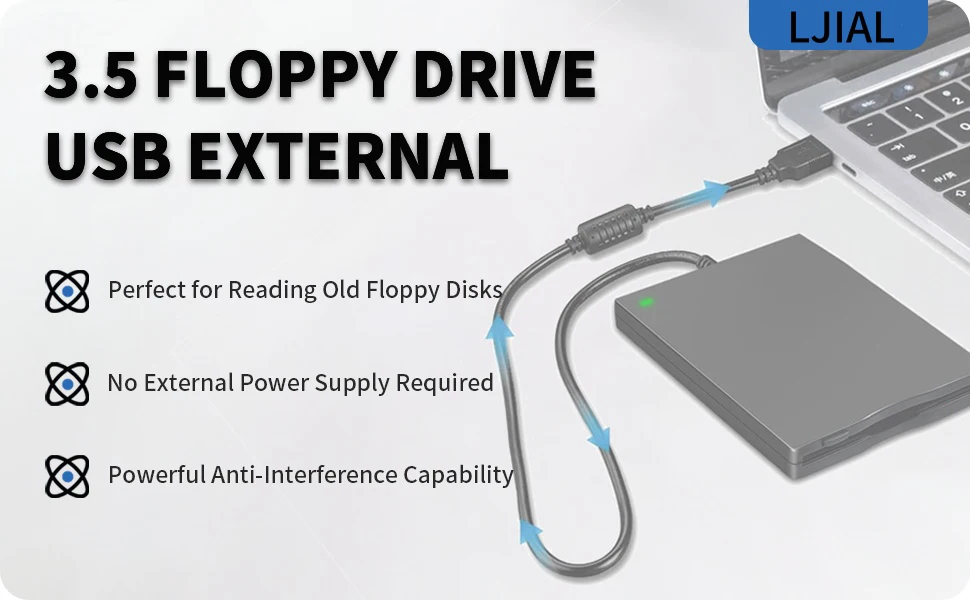
LJIAL USB Floppy Disk Reader Drive,3.5" Portable External 1.44MB FDD Diskette Drive for Windows 11/10/8/7/XP/Vista PC Laptop Mac
• External floppy drive can Plug and play, no extra driver required.
• The power of the 3.5" usb floppy drive get from the USB port, no external power required.
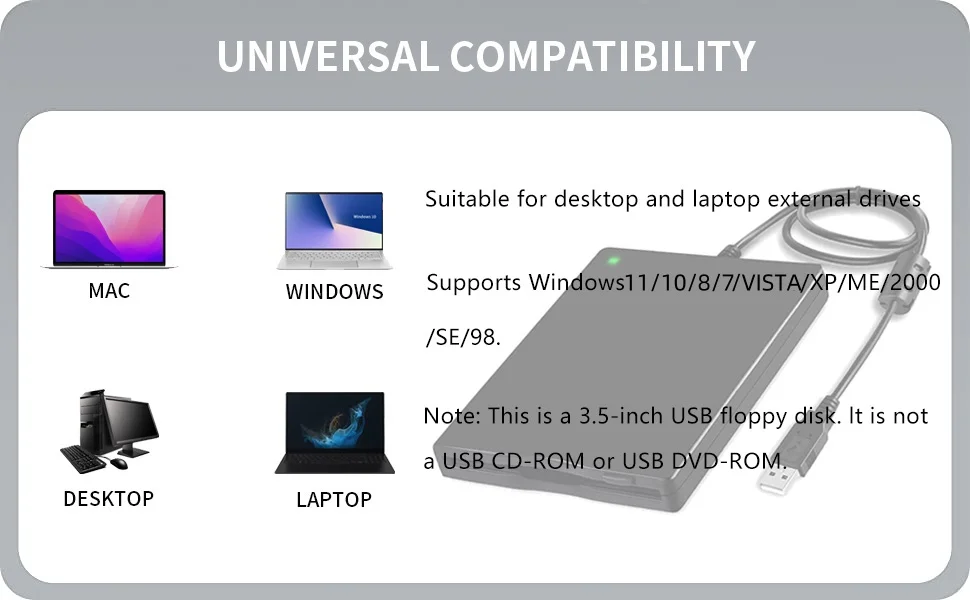
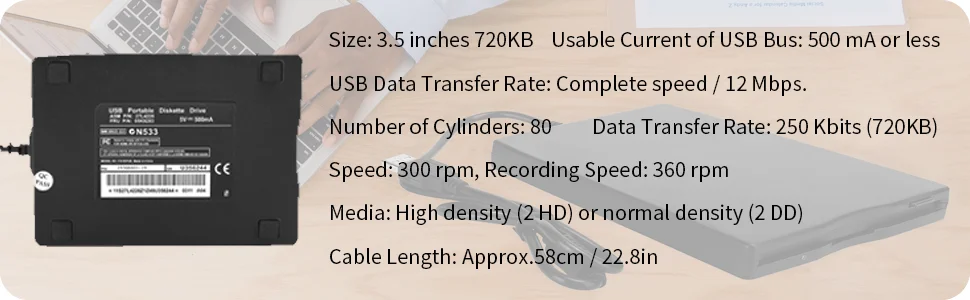
• Read/Write 720KB/1.44 MB capacity floppy disk, compatible with Mac Windows 98/SE/2000/ME/XP/VISTA/Windows 7/8/10/11 PC Laptop Desktop, compatible for Dell Acer Sony HP Lenovo etc, can use for industrial machines.
• USB floppy drive uses 3.5 inch disk, But it is not compatible with Chromebook and Microsoft Surface. External Diskette Drive with USB interface, USB 1.1/2.0/3.0 compatible.
• For quickly recognized by PC, need to plug the device into rear USB interface of motherboard directly. If you connect it to a USB hub or extension cords, it maybe cannot recognize by your computer because it cannot get enough power from them.
• 1. We suggest that you carefully check the disk surface for dust and scratches before using it. If sector 0 of the disk is damaged, it cannot be read by the floppy drive. 2. When the floppy disk drive reads the disk, you may hear a "squeaking" sound, so don't worry about it being the sound of the drive shaft connecting the magnetic head working.
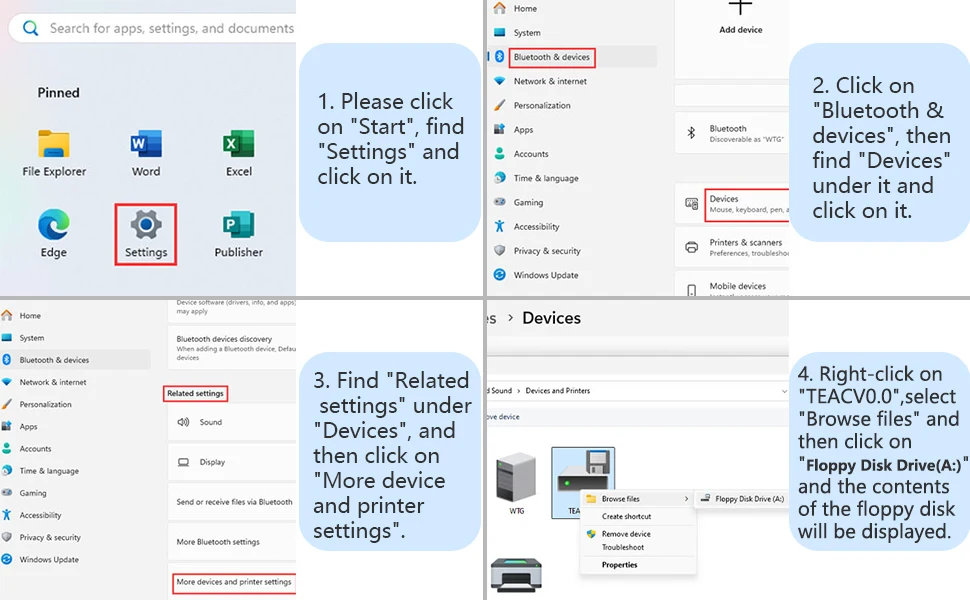
How to Find the Floppy Disk Drive (A:) in Windows 11
As windows 10/11 has a lot of hidden options for "Windows Files Explorer", sometimes the drive icon will not appera in "Windows Files Explorer", you have to bring up "Devices and Printers" to get it.
Please find "Floppy Disk Drive(A:)" through the following path: Start → Settings → Bluetooth & devices → Devices → Related settings → More device and printer settings → TEACV0.0. Then right - click on TEACV0.0, click "Browse files" and open "Floppy Disk Drive (A:)".