
Skip to product information


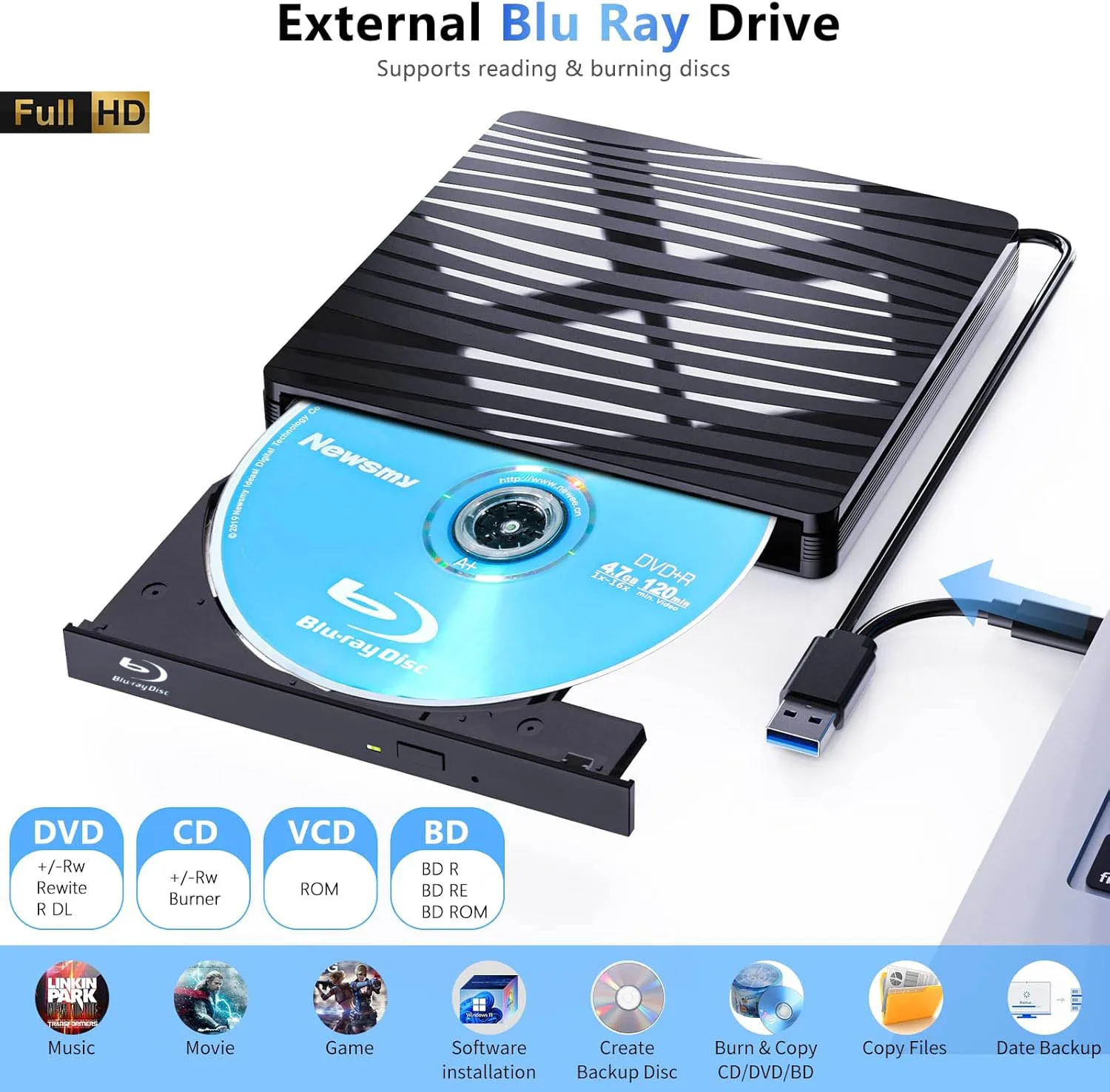
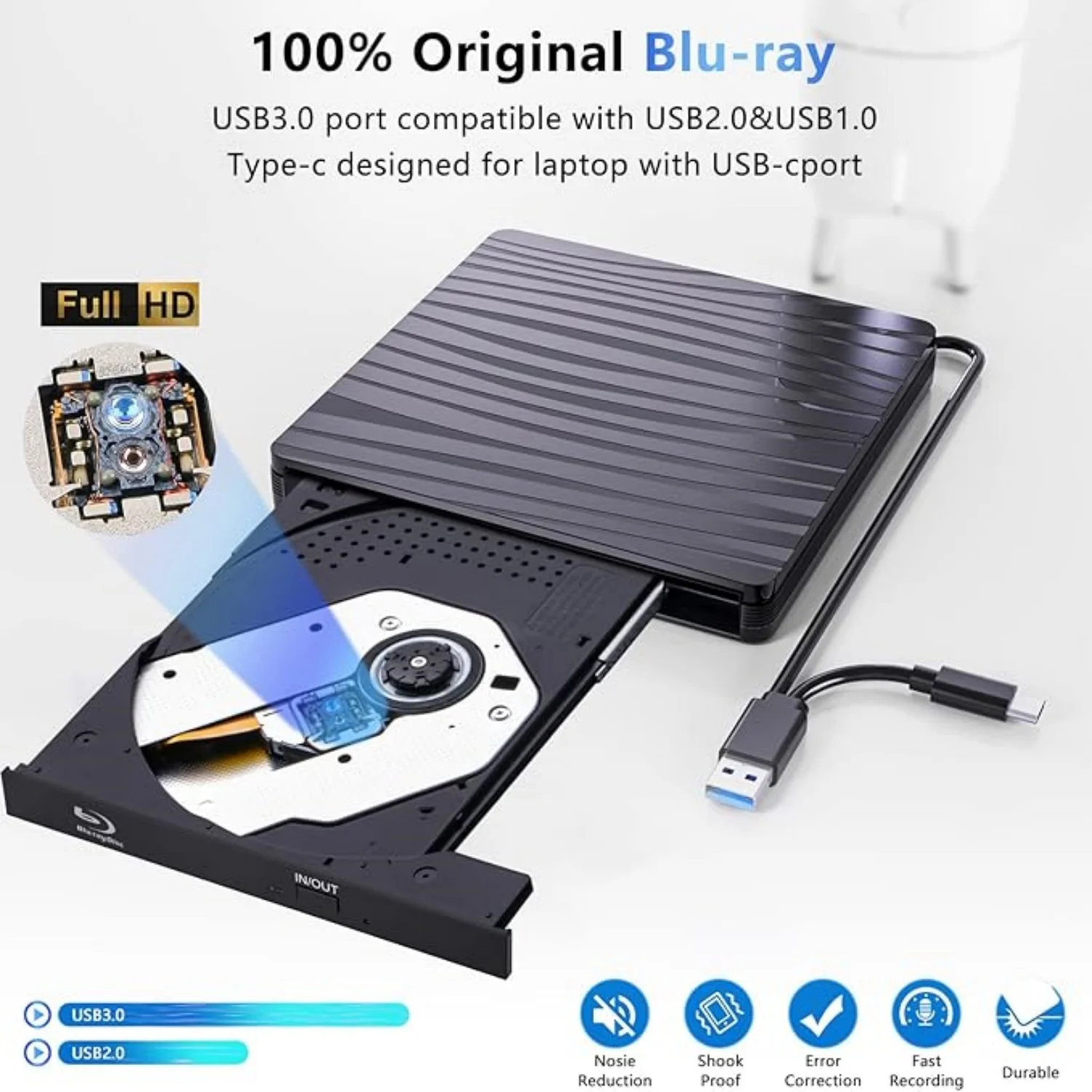
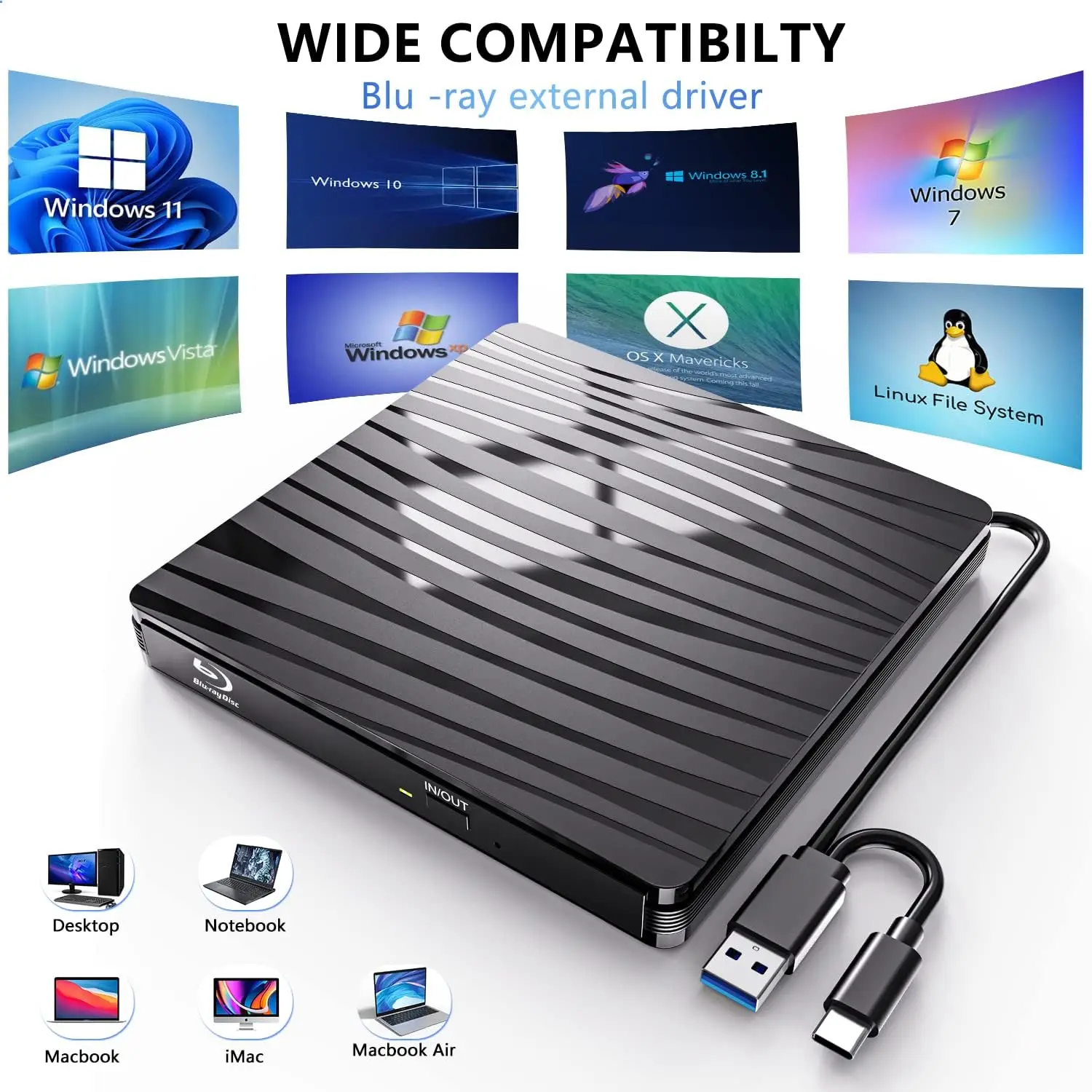
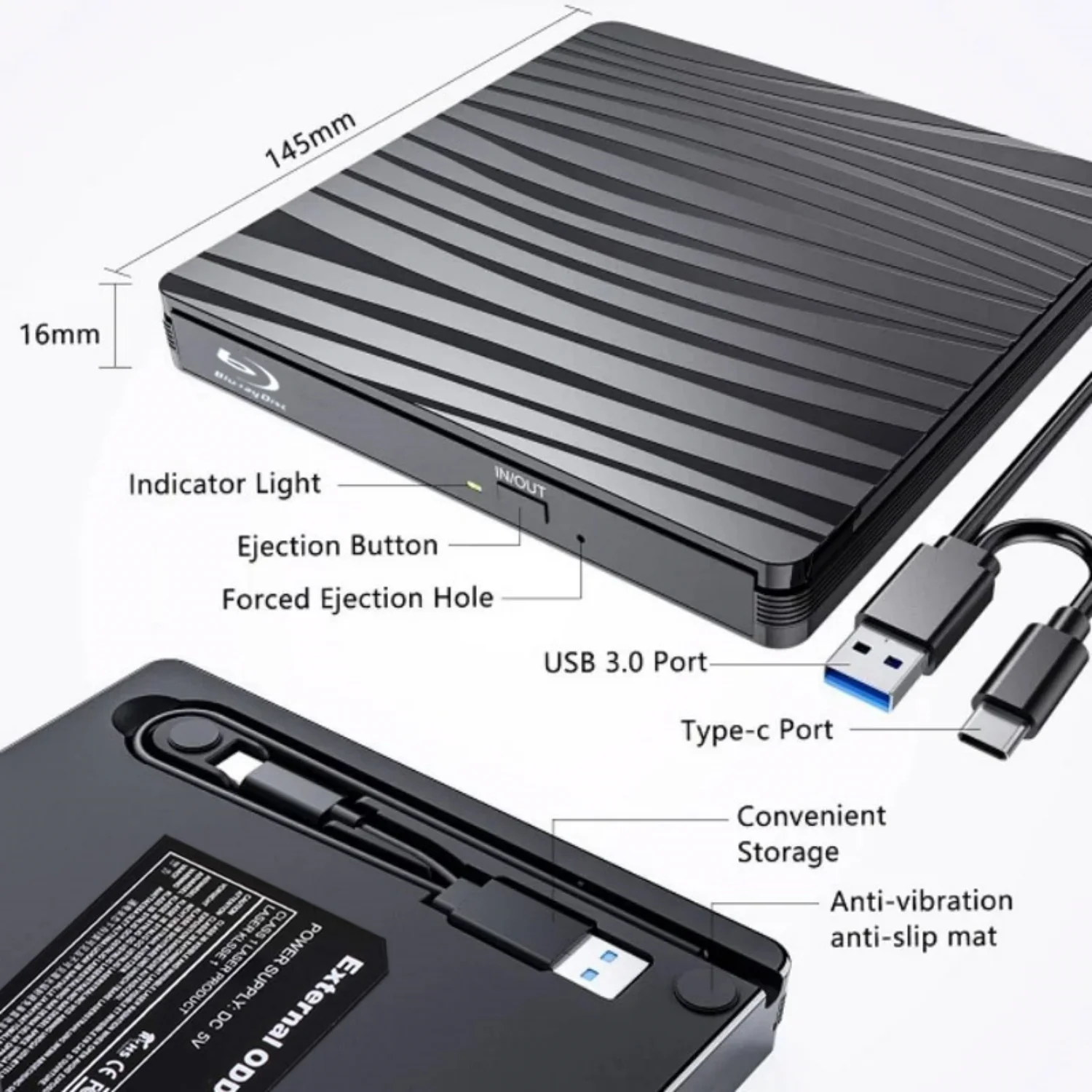
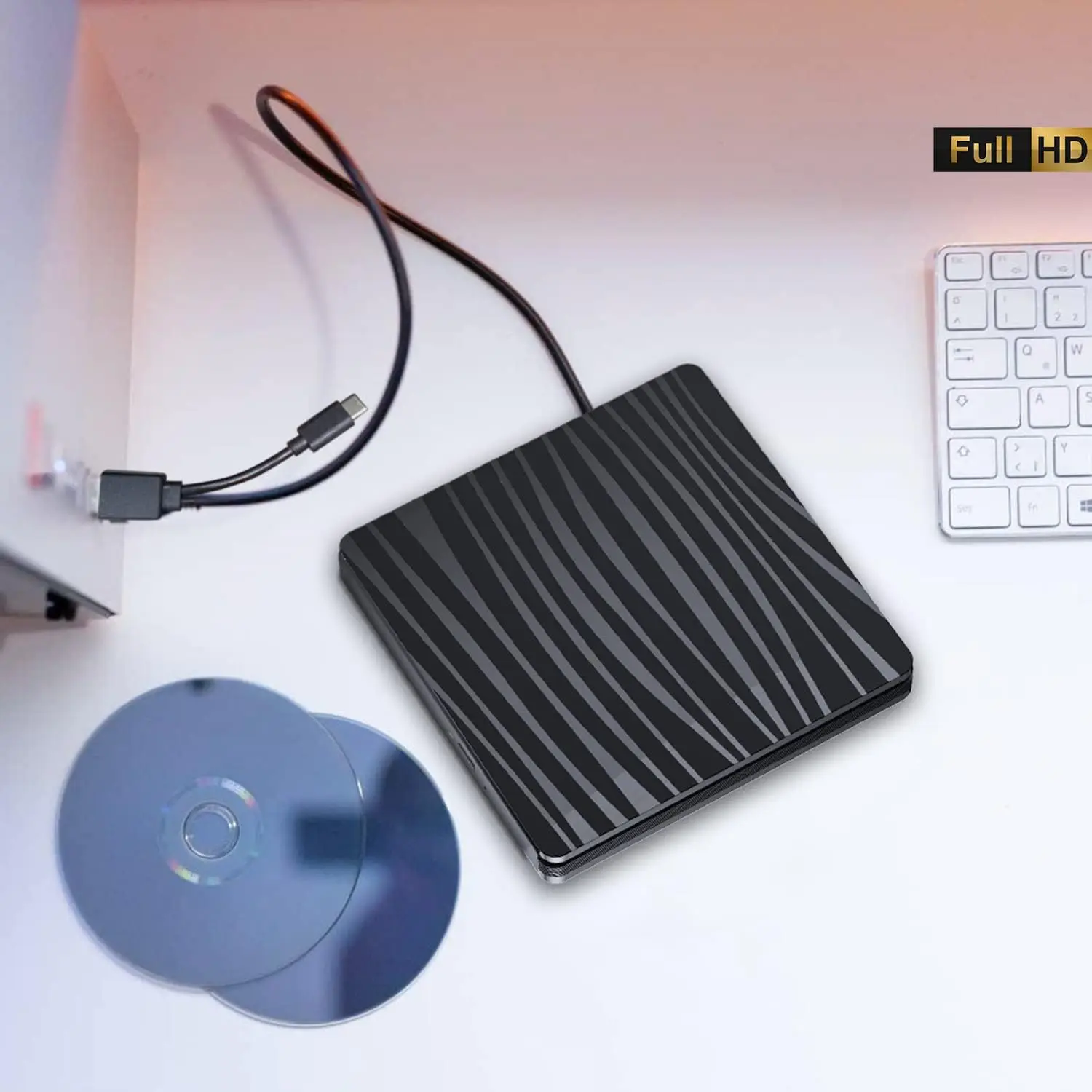
USB3.0 External Blu-ray Optical Drive for Laptop PC Windows 11/10 Mac Portable 3D BD-RW Drive BD DVD CD Player Burner Reader
Computers often do not natively support DVD movie playing, so a third-party media player (such as VLC) must be downloaded and installed to watch DVDs using this BD/CD/DVD player. You can download and install a playing/burning software you like.
Recommendations are as follows:
Macgo blu-ray Player for MAC OS; PowerDVD for Windows; Leawo Blu ray Player is free one for all system.
No fee playing software: Any Media Player, Any DVD
No fee burning software for Windows OS: InfraRecorder, Ones, Express Disc Burner
No fee burning software for mac OS: Burn for mac
No fee burning software for Linux OS/Unix OS: K3b (KDE Burn Baby Burn)
Please be aware that the playback/burning software for the external Blu-ray drive is not included and must be purchased separately to ensure proper functionality.
Note:
Please be aware that the playback/burning software for the external Blu-ray drive is not included and must be purchased separately to ensure proper functionality.
(1). When downloading Blu-ray playback software, Some software in Windows and MAC OS are not compatible,please make sure Blu-ray playback software is compatible with your computer system. Test it by downloading the software ’Cyberlink BD & 3D Advisor’. The software will verify whether your computer is equipped for Blu-ray or 3D playback.
(2). It’ s recommended to play the Blu-ray disc via the BD player ‘Powerdvd10-19’. Burn the Blu-ray disc via the ‘Nero’ burning software.
(Please use professional software to play Blu-ray discs,such as NERO / LEAWO / MakeMKV / iDeer Blu-ray Player / CyberLink PowerDVD / Mac Blu-ray Player / Blu-ray Player / Macgo Blu-ray Player. Some Blu ray playback software requires a fee.)
(3). Block the region code. If the copyright-protected Blu-ray disc with a region code may not be used, you can encode the region code by downloading the block software ‘Any DVD’.
Package Including:
1x USB 3.0&Type-c bluray drive,
1 x User manual.
Recommendations are as follows:
Macgo blu-ray Player for MAC OS; PowerDVD for Windows; Leawo Blu ray Player is free one for all system.
No fee playing software: Any Media Player, Any DVD
No fee burning software for Windows OS: InfraRecorder, Ones, Express Disc Burner
No fee burning software for mac OS: Burn for mac
No fee burning software for Linux OS/Unix OS: K3b (KDE Burn Baby Burn)
Please be aware that the playback/burning software for the external Blu-ray drive is not included and must be purchased separately to ensure proper functionality.
Note:
Please be aware that the playback/burning software for the external Blu-ray drive is not included and must be purchased separately to ensure proper functionality.
(1). When downloading Blu-ray playback software, Some software in Windows and MAC OS are not compatible,please make sure Blu-ray playback software is compatible with your computer system. Test it by downloading the software ’Cyberlink BD & 3D Advisor’. The software will verify whether your computer is equipped for Blu-ray or 3D playback.
(2). It’ s recommended to play the Blu-ray disc via the BD player ‘Powerdvd10-19’. Burn the Blu-ray disc via the ‘Nero’ burning software.
(Please use professional software to play Blu-ray discs,such as NERO / LEAWO / MakeMKV / iDeer Blu-ray Player / CyberLink PowerDVD / Mac Blu-ray Player / Blu-ray Player / Macgo Blu-ray Player. Some Blu ray playback software requires a fee.)
(3). Block the region code. If the copyright-protected Blu-ray disc with a region code may not be used, you can encode the region code by downloading the block software ‘Any DVD’.
Package Including:
1x USB 3.0&Type-c bluray drive,
1 x User manual.